
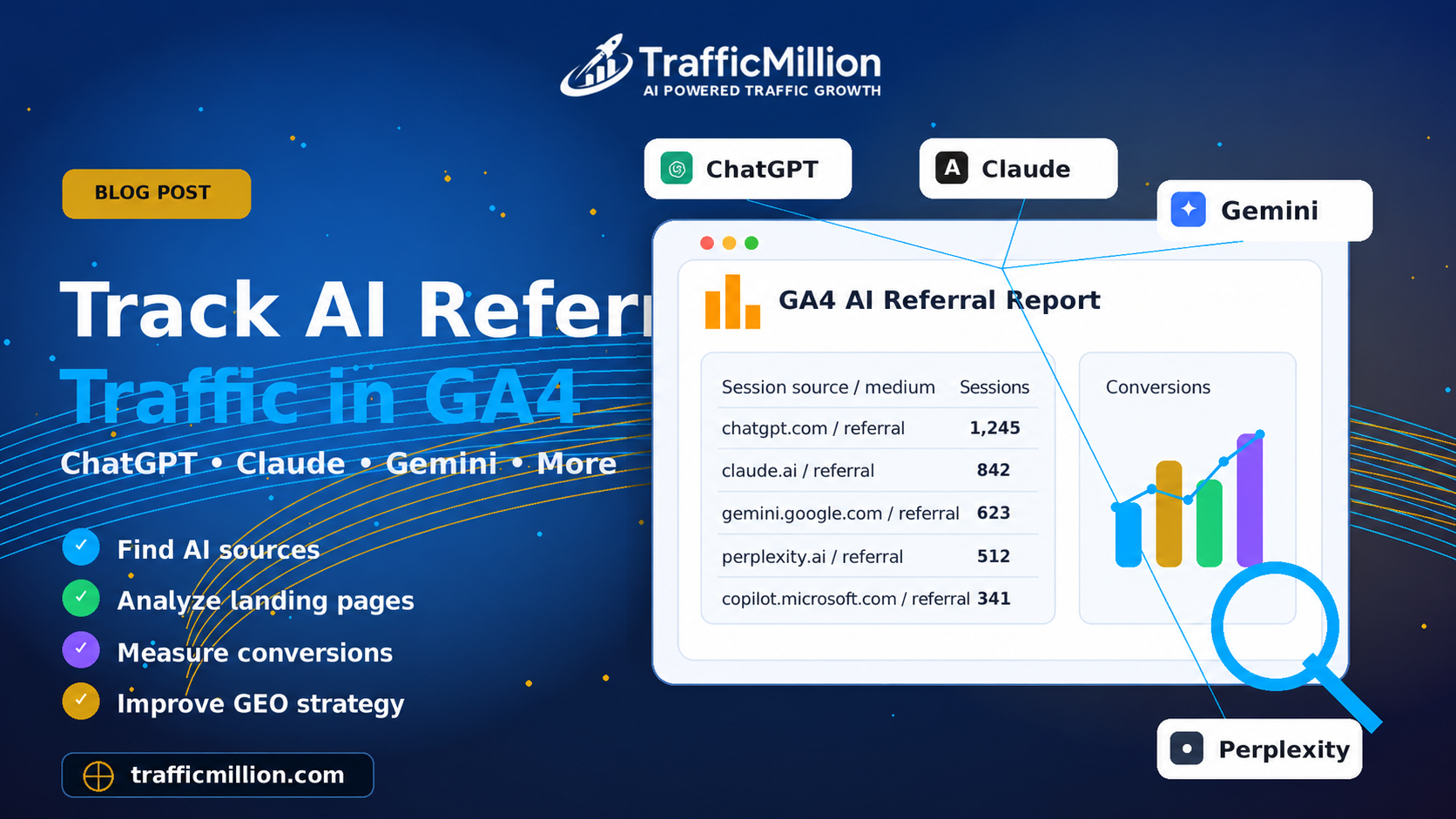
AI tools are changing how people discover websites. Today, users are not only searching on Google. They are asking tools like ChatGPT, Claude, Gemini, Perplexity, Copilot, and other AI platforms for recommendations, product comparisons, service providers, and direct answers.
This creates a new traffic opportunity called AI referral traffic. When users click a link from an AI tool and land on your website, that visit may appear inside Google Analytics 4, also known as GA4.
For businesses focused on SEO, GEO optimization, AI visibility, and website traffic growth, tracking AI referral traffic is becoming more important than ever.
What Is AI Referral Traffic?
AI referral traffic means visitors who come to your website from AI-powered platforms or chatbot tools.
For example, a user may ask ChatGPT:
- What is the best website traffic service?
- How can I increase my website visitors?
- Which company offers GEO optimization?
- What are the best AI visibility services?
If the AI tool shows your website or recommends your brand, the user may click the link and visit your site. That visit can become AI referral traffic inside GA4.
Why Tracking AI Referral Traffic Matters
AI referral traffic helps you understand whether AI platforms are sending visitors to your website.
Tracking this traffic can help you see:
- Which AI platforms send visitors to your website
- How many sessions come from ChatGPT, Claude, Gemini, or Perplexity
- Which landing pages receive AI traffic
- Whether AI traffic converts into leads or sales
- How your GEO optimization strategy is performing
- Which content is being discovered through AI tools
If you are investing in Generative Engine Optimization, tracking AI referral traffic is one of the best ways to measure early performance.
Can GA4 Track AI Traffic?
Yes, GA4 can track many AI referral visits when the AI platform sends referral data to your website.
However, not every AI visit will be perfectly tracked. Some AI tools may hide referrer data, open links inside apps, or send users through browsers where the source appears differently.
That means GA4 can help you track AI traffic, but the data may not always be 100% complete. Still, it is very useful for understanding AI visibility and referral trends.
Common AI Referral Sources to Track
Here are some AI platforms you may want to track inside GA4:
- chatgpt.com
- openai.com
- claude.ai
- gemini.google.com
- perplexity.ai
- copilot.microsoft.com
- bing.com
- poe.com
- you.com
- phind.com
- deepseek.com
These sources may change over time as AI platforms update how they show links and send traffic, so it is important to review your GA4 data regularly.
How to Find AI Referral Traffic in GA4
Step 1: Open Google Analytics 4
Log in to your Google Analytics account and choose the correct GA4 property for your website.
Step 2: Go to Traffic Acquisition
In the left menu, go to:
This report shows how users arrive on your website through channels such as organic search, referral, direct, paid search, social, and more.
Step 3: Change the Dimension
In the traffic acquisition report, change the primary dimension to:
This helps you see where traffic sessions are coming from and how GA4 classifies them.
Step 4: Search for AI Sources
Use the search box or filter option and look for AI sources such as:
- chatgpt
- openai
- claude
- gemini
- perplexity
- copilot
If your website has received visits from these platforms, they may appear in the report as referral traffic or another source/medium combination.
GA4 Regex Filter for AI Referral Traffic
A faster way to find AI referral traffic is to use a regex filter.
You can use this regex pattern inside GA4:
How to Use the Regex Filter
- Open GA4.
- Go to Reports → Acquisition → Traffic acquisition.
- Click Add filter.
- Select Session source or Session source / medium.
- Choose matches regex.
- Paste the AI source regex.
- Apply the filter.
Now GA4 should show sessions that match AI-related sources.
How to Track AI Traffic Using Explore Reports
GA4 Explore reports are useful if you want a custom AI traffic report.
Step 1: Go to Explore
In GA4, click Explore from the left menu.
Step 2: Create a Free Form Report
Choose Free form to create a custom report.
Step 3: Add Dimensions
- Session source
- Session source / medium
- Landing page
- Page title
Step 4: Add Metrics
- Sessions
- Users
- Engaged sessions
- Average engagement time
- Key events
- Conversions
Step 5: Add an AI Source Filter
Add a filter where Session source matches this regex:
This gives you a custom AI referral traffic report inside GA4.
How to Track AI Traffic with Landing Pages
Tracking landing pages is important because it shows which pages AI users visit first.
For example, AI referral traffic may land on:
- Blog posts
- Service pages
- Product pages
- FAQ pages
- Comparison pages
If a blog post receives AI referral traffic, it may mean AI platforms are discovering or recommending that content. This is useful for improving your GEO strategy.
How to Track AI Traffic Conversions
Traffic alone is not enough. You should also check whether AI traffic is creating real business results.
Inside GA4, check whether AI referral traffic is generating:
- Form submissions
- Product purchases
- Account signups
- Quote requests
- Phone clicks
- Email clicks
- Checkout visits
This helps you understand whether AI traffic is only bringing visitors or actually helping your business grow.
Use UTM Links Where Possible
For traffic you control, you can use UTM tracking links. This is useful when you share your website link inside your own AI tools, chatbot, social content, email campaign, or marketing campaign.
For example, you can use a URL like this:
This helps GA4 identify the traffic more clearly. When this link is clicked, GA4 can read the UTM values and show the source as chatgpt, the medium as ai_referral, and the campaign as geo_visibility.
However, you cannot control how all third-party AI platforms link to your website. That is why checking referral sources and using regex filters is still important.
Best GA4 Metrics for AI Referral Traffic
When reviewing AI traffic, focus on quality, not only volume.
- Sessions: How many visits came from AI platforms
- Users: How many people visited your website
- Engaged sessions: How many visits had meaningful engagement
- Average engagement time: How long users stayed
- Landing page: Which page users visited first
- Key events: Important actions users completed
- Conversions: Business results from AI traffic
A small amount of AI referral traffic can still be valuable if those users are highly interested and take action.
AI Traffic Tracking Checklist
- Check GA4 Traffic acquisition report
- Use Session source / medium
- Search for AI sources manually
- Apply regex filters for AI platforms
- Create a custom Explore report
- Track landing pages from AI traffic
- Monitor engagement and conversions
- Use UTM links when you control the link
- Review AI referral data every month
- Improve GEO content based on results
Common Mistakes to Avoid
- Only checking default channel groups
- Ignoring session source data
- Not using regex filters
- Looking only at traffic volume and not conversions
- Forgetting to check landing pages
- Not updating the AI source list over time
- Assuming GA4 will capture every AI visit perfectly
AI tracking is still developing, so you should treat GA4 data as a useful guide, not a perfect measurement of every AI-driven visit.
How AI Referral Tracking Supports GEO Optimization
GEO optimization is about improving your visibility in AI-generated answers and AI-powered search platforms.
Tracking AI referral traffic helps you understand whether your content is starting to appear in AI discovery journeys.
For example, if a blog post about website traffic receives visits from ChatGPT or Perplexity, that may show that your content is useful for AI-driven users.
You can then improve that content with:
- Better FAQs
- Clearer service explanations
- More internal links
- Updated examples
- Stronger trust signals
- Better calls-to-action
This helps your website become stronger for both traditional SEO and AI visibility.
Final Thoughts
AI referral traffic is becoming an important part of website analytics. As more users rely on ChatGPT, Claude, Gemini, Perplexity, Copilot, and other AI platforms, businesses need to understand how AI tools are influencing website discovery.
GA4 can help you track AI referral traffic by using traffic acquisition reports, session source filters, regex patterns, Explore reports, landing pages, and conversion tracking.
If your business is investing in AI visibility or GEO optimization, tracking AI referral traffic is one of the best ways to measure progress.
🚀 Start Tracking and Growing Your AI Traffic
If you want to grow your website traffic, improve AI visibility, and understand how users discover your business through AI platforms, TrafficMillion can help you move forward with AI-powered traffic growth and GEO optimization services.
Start Your AI Web Traffic Campaign Today